



Download our travel insurance app (our Travel On app!) for easy access to your coverage, destination information, 24/7 tap-to-call assistance, and more.
How our travel app can help you

If you need help during your trip …
Just tap the "Call our assistance team" button in the Travel On app to connect with our 24/7 travel assistance provider, Zurich Travel Assist.

If you want to check your Travelex coverage ...
No need to open your laptop! You can easily access all your policy documents right in our travel insurance app.

If you want help refining your itinerary ...
Our Travel On app can act as a trip planner, giving you destination-specific information and experience ideas.

If you are worried about your safety …
Our app can send real-time safety alerts to your phone while you travel, helping you stay informed wherever you go.

Pack our Travel On app
Keep your policy in your pocket — and more. Travel safer with our app’s tap-to-call 24/7 assistance, destination information, and real-time safety alerts.


Travel smarter: Tech-savvy tips for safer travel
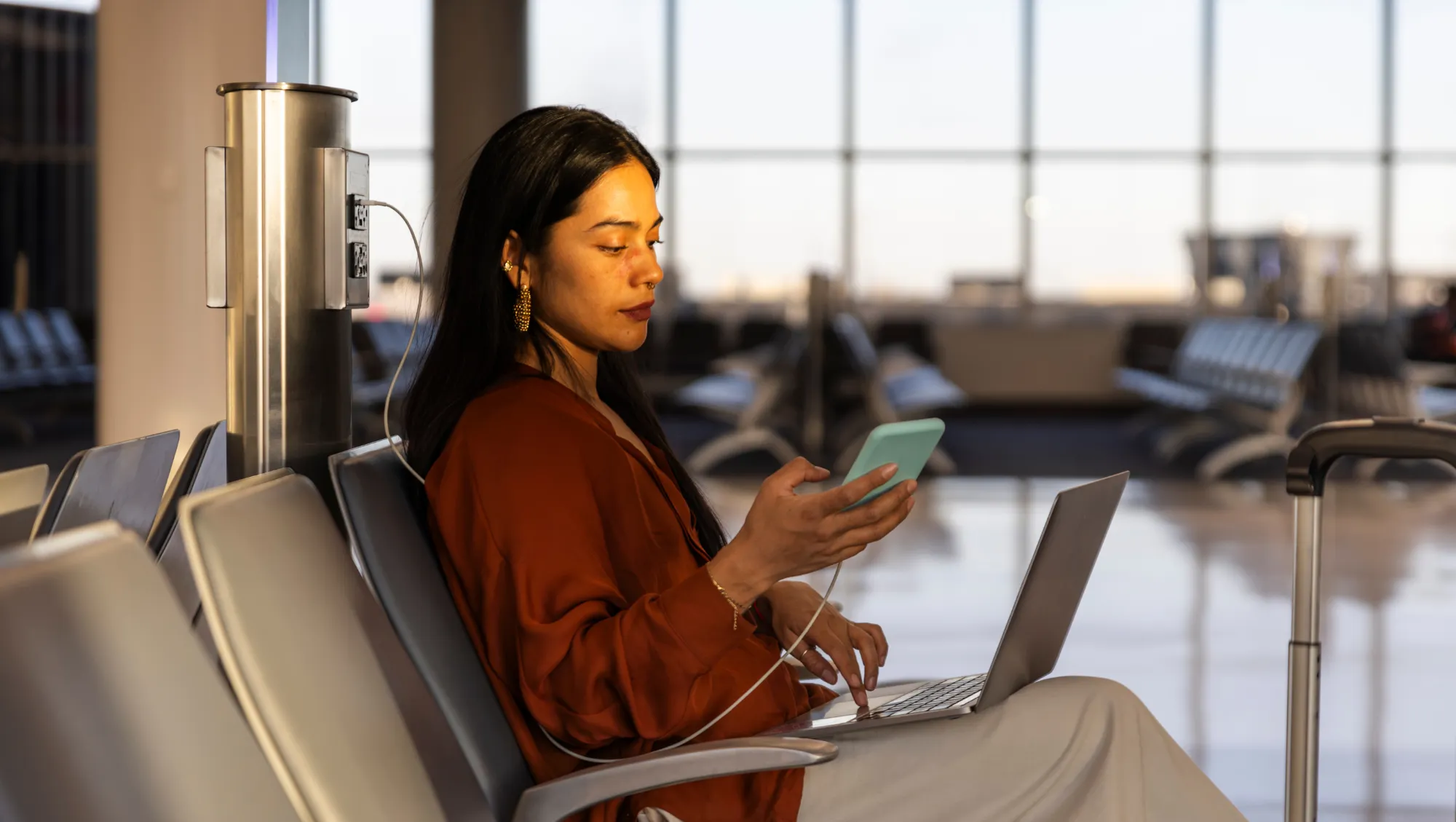
Bringing personal devices on your trip?
Your personal data can be more vulnerable while traveling. Explore a few simple tips to help keep it protected.

Want to see all the ways our Travel On app can help?
From exploring your destination before you leave to getting support when travel doesn't go as planned, here are seven ways our travel app can help.

Want real-time travel alerts sent to your phone?
Before enabling this feature in our travel insurance app, it's helpful to understand how travel alerts differ from travel advisories — and how both can help with your trip.

Want to know more about our travel app?
Like many other travel apps, you can download our Travel On app on both iPhone and Android devices. You can visit the Apple App Store or Google Play Store to download it.
Anyone listed as a traveler on an active Travelex travel insurance policy can use our Travel On app.
If you’re the primary traveler and you want to give your traveling companions access to our travel insurance app, you can share your confirmation number with them, which you can find in the confirmation of coverage email we sent you after you purchased your policy. Additional travelers on your policy will also need to enter your last name as part of the validation process when they create an account.
If you don’t have one of our plans yet, you can get a quote online now.
You can download our Travel On app and create an account after you purchase a Travelex travel insurance policy.
To access all the travel safety benefits, you’ll need to add your trip details to our travel app. It doesn't matter if your trip is next week, next month, or next season; you can add a scheduled trip at any time.
To create an account: You can download our travel app from the Apple App Store or Google Play Store and create an account at any time.
To access the full app: To get all the features of our Travel On app, you’ll need to enter the primary traveler’s last name and the confirmation number for your policy, which you can find in your confirmation of coverage email we sent you after you purchased your policy.
You can use any email address when you set up an account, as long as you’ll continue to have access to it on your device.
If you use an email address you don’t have access to, you won’t be able to use our app or benefit from its features.
For information on how we collect, store, and use your personal information, you can view our Travel On app's Privacy Policy.
If you’re the primary traveler listed on your policy, you’ll find your confirmation number in the confirmation of coverage email we sent you when you purchased your policy.
If you have coverage on a policy but aren’t listed as the primary traveler, please reach out to the primary traveler on your policy to get the confirmation number so you’re able to access the full app.
Can't find your confirmation email? Request your plan documents online.
If you already have our travel app on your device and you recently bought another policy, you can easily add your new confirmation number.
To add your new policy to the app, tap the menu in the top left of our app and select “Your Policies”.
If your new confirmation number is not listed, tap on the “Add Existing Policy” button. Then, enter your new confirmation number and wait for the app to locate it before tapping the “Add Existing Policy” button to complete the process.
Our Travel On app can help you stay informed and connected while you travel. It monitors potential safety concerns near your destination and can send real-time alerts about events like natural disasters, civil unrest, health risks, crime, and more.
You can also view destination safety information, including crime, terrorism, and health risk ratings, and contact our 24/7 travel assistance provider with the tap of a button if you need support during your trip.
Yes, our travel insurance app can show you COVID-19-related information and relevant travel alerts for your trip destination.
No. While the button is there when you need urgent assistance, you can also use it for non-emergency travel support.
If you have one of our plans and need help while traveling, simply tap the emergency button in the Travel On app to connect with our 24/7 assistance partner, Zurich Travel Assist.
Whether you're dealing with an emergency or need general travel assistance, there's no need to search for a phone number, just open our travel app and tap the button. As long as you have mobile network coverage, help is just a call away.
When you tap the assistance button, your device will automatically give you the correct number to call for travel support based on your confirmation number. You can then tap “Call Now” to place the call with our emergency assistance team.
To connect with our emergency assistance provider, you’ll need to have access to an active phone plan, sim card, or international roaming during your trip. Your mobile carrier may charge you for international plans or calls.
With notifications turned on, our Travel On app will automatically alert you when new information is available or if the emergency assistance provider detected an active or emerging risk, so you can stay up to date on important information with little effort.
Yes. To use our travel safety app and get alerts relevant to your current location and trip, you need to have access to Wi-Fi or an active data plan at your travel destination.
You don't have to, but you might want to consider it.
Giving the emergency assistance provider access to the location of your device lets you explore with more confidence knowing our team can precisely monitor active and emerging issues at your current location while you travel.
Then, if you’re at risk at your location or there’s a nearby threat, our Travel On app will send you a notification.
For information on how we collect, store, and use your personal information, you can view our Travel On app's Privacy Policy.
If you're having trouble downloading our travel app, creating your account, or adding your policy, you can contact our award-winning customer service team in two ways:
- Email: [email protected]
- Phone: 1-800-819-9004